Safe Location Sharing Tips for Solo Travelers
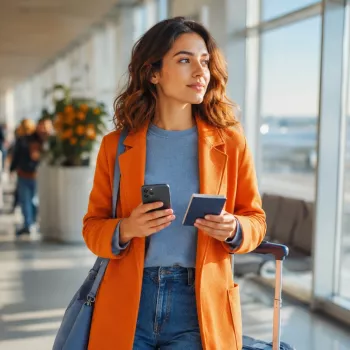
How can solo travelers share their location safely without compromising privacy?
Solo travelers can share their location safely by using tools that give you tight control over who sees your whereabouts, for how long, and with what level of detail. The goal is to stay reachable in an emergency without broadcasting your real-time movements to unnecessary people or apps.
Use “time-limited” sharing instead of always-on tracking
Choose services that let you share for a set window (for example, a few hours during transit) and then automatically stop. Time limits reduce risk if a contact’s phone is lost, a link is forwarded, or someone forgets to turn sharing off.
Share with a small, pre-approved circle
Limit access to one or two trusted people, such as a family member and a close friend. Avoid group chats for live location, since screenshots and forwarded links can spread beyond your control.
Prefer precise location only when it’s truly needed
Use “approximate location” when checking in casually, and switch to precise location only during high-risk moments like late-night rides, hikes, or unfamiliar neighborhoods. Less precision still helps someone know your general area without pinpointing your exact spot.
Harden your device and accounts before you leave
Enable a strong passcode, biometric unlock, and automatic screen lock. Turn on two-factor authentication for your Apple ID/Google account, and keep your operating system updated. These basics help prevent someone from accessing your location history and shared links if your phone is stolen.
Consider a separate “safety channel” and emergency plan
Create a simple plan: who you’ll share with, when you’ll share, and what “no response” means. If you use a check-in schedule, include a backup contact and a clear escalation step (call, local authorities, hotel front desk) if you miss a check-in.
For more practical options and step-by-step tips, visit the full guide here: How can solo travelers share their location safely without compromising privacy?
FAQ
What should I do if my phone is lost while I’m sharing my location?
Immediately revoke location sharing from another device or via your account settings, then use “Find My” or your device manager to mark the phone as lost and remotely sign out. Update passwords and review which contacts or links still have access.










Leave a comment